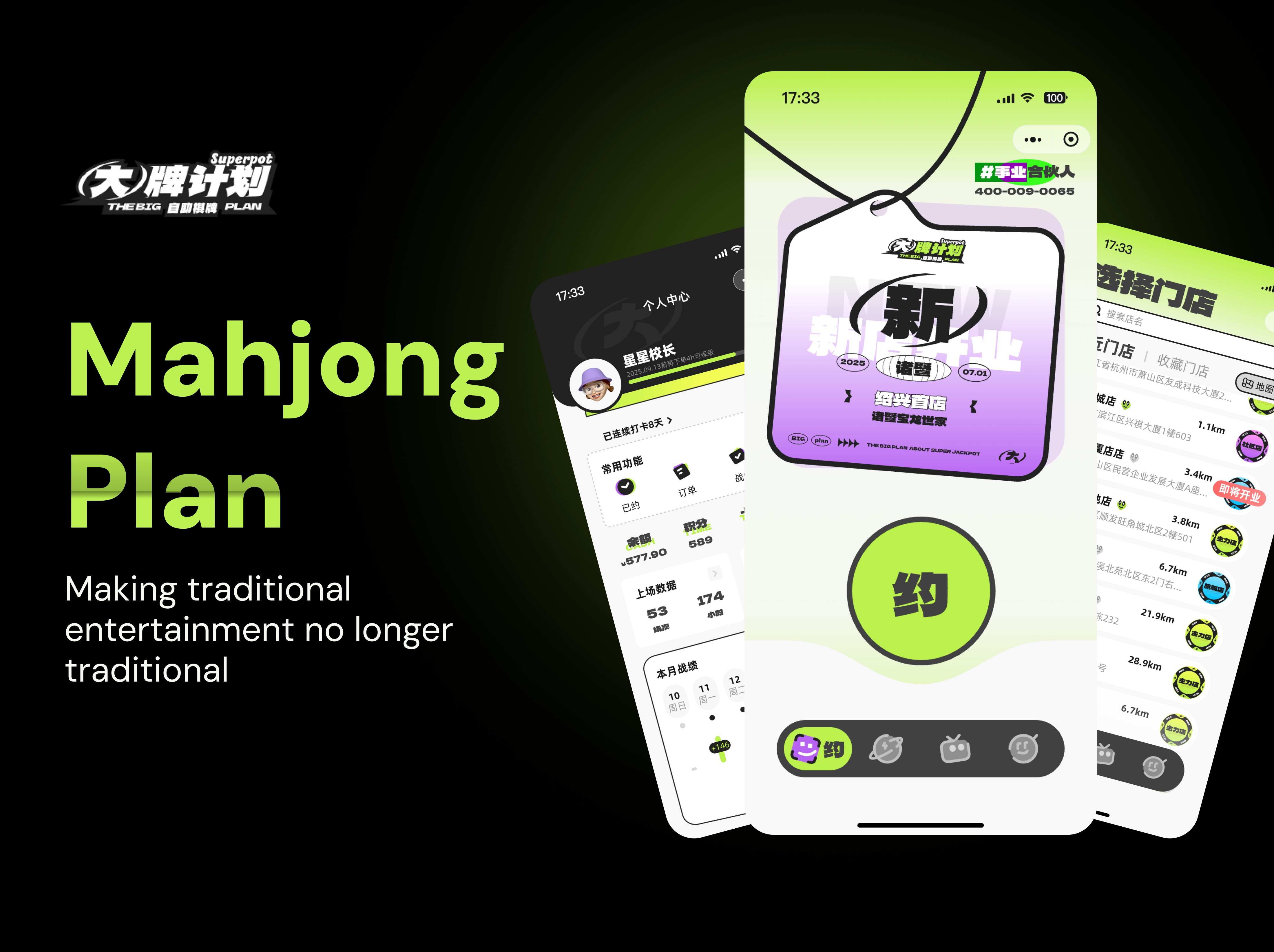
Mahjong Plan is a WeChat Mini Program (an application) designed for mahjong room reservations, allowing users to browse nearby stores, check room availability, select time slots, complete payment, and track personal activity in one streamlined mobile experience.
In many cities, mahjong rooms are a popular place for friends to relax and socialize. However, traditional booking often depends on phone calls, walk-ins, or WeChat group messages, which makes room availability, pricing, and payment information difficult to manage.
Mahjong Plan was designed to bring the full booking journey into a single Mini Program (app): store discovery, room selection, payment, and rewards.
The visual direction is defined by five qualities — bold, playful, gamified, street-style, and social-club, turning a traditional booking task into something that feels like opening an app for a hangout spot.
The palette combines neon lime, charcoal black, and soft off-white to create a bold, energetic, gamified booking experience. Accent colors clearly distinguish membership levels, room status, coupons, and activity states.
Purple — in-use / occupied · Blue — open / in progress · Orange — waiting, reminders, coupons, red packets
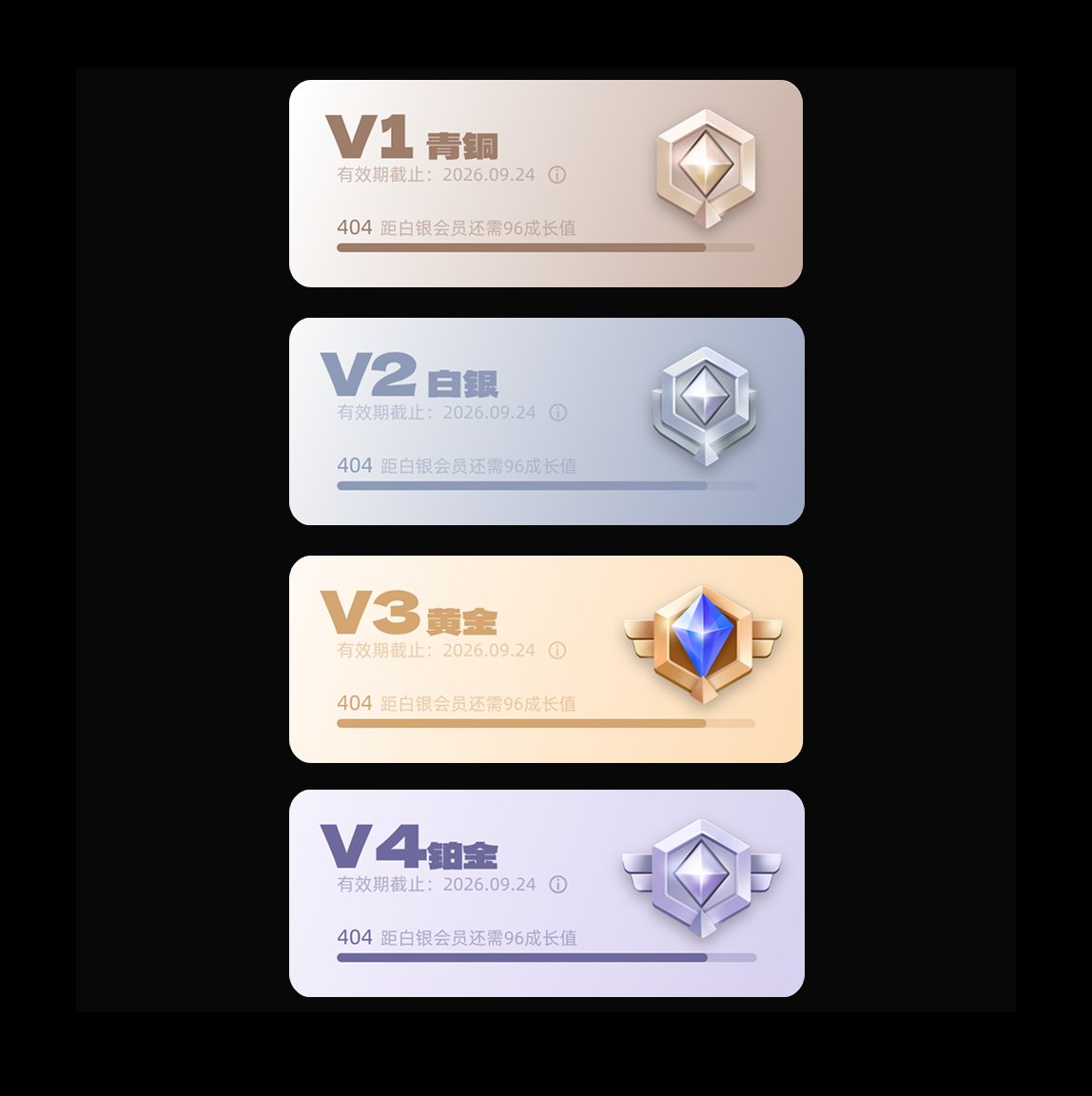
Five-step growth system — metallic gradients with increasing benefits at each tier.
The layout uses large headers, card-based content blocks, and oversized bottom CTAs to make the core action visible and easy to complete on mobile.
Large left-aligned title, back button, and Mini Program capsule. Strong visual anchor for every screen.
Member card, balance card, room card, payment card, invite-rule card — modular and reusable.
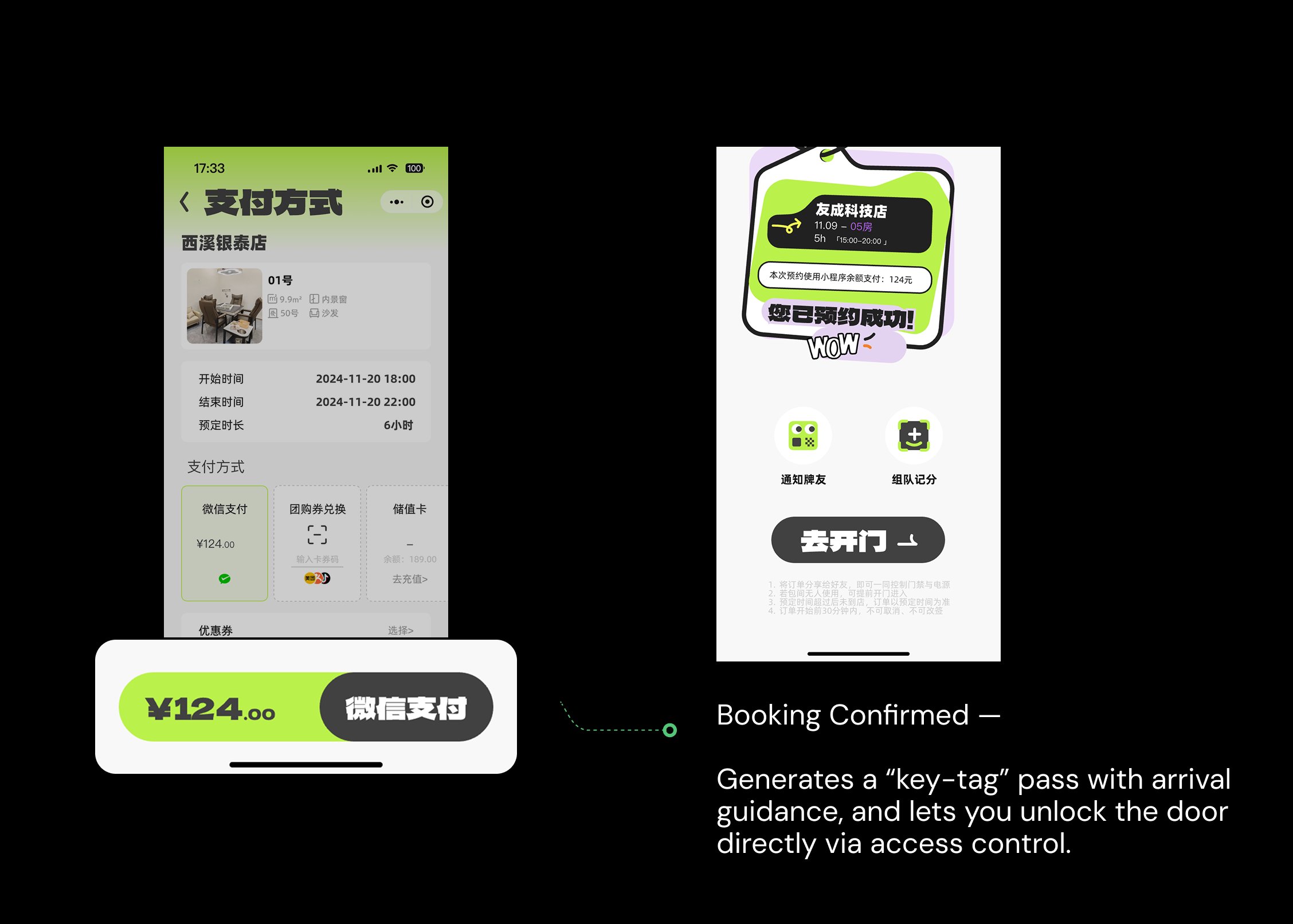
Oversized rounded buttons: WeChat Pay, Coupon Pay, Invite Friends, Reserve.
Dark rounded bar with neon-lime active state and sticker-style icons.
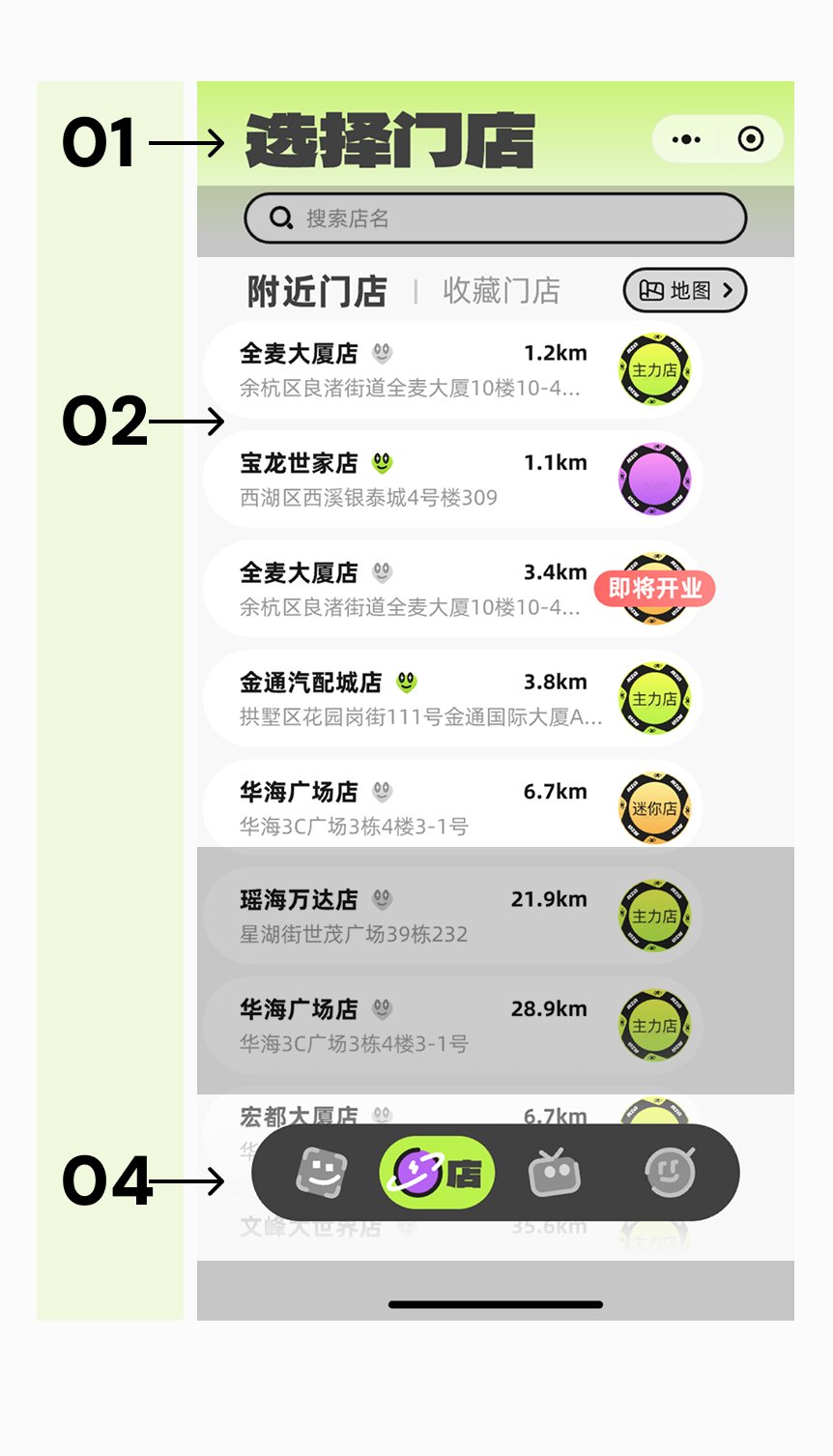
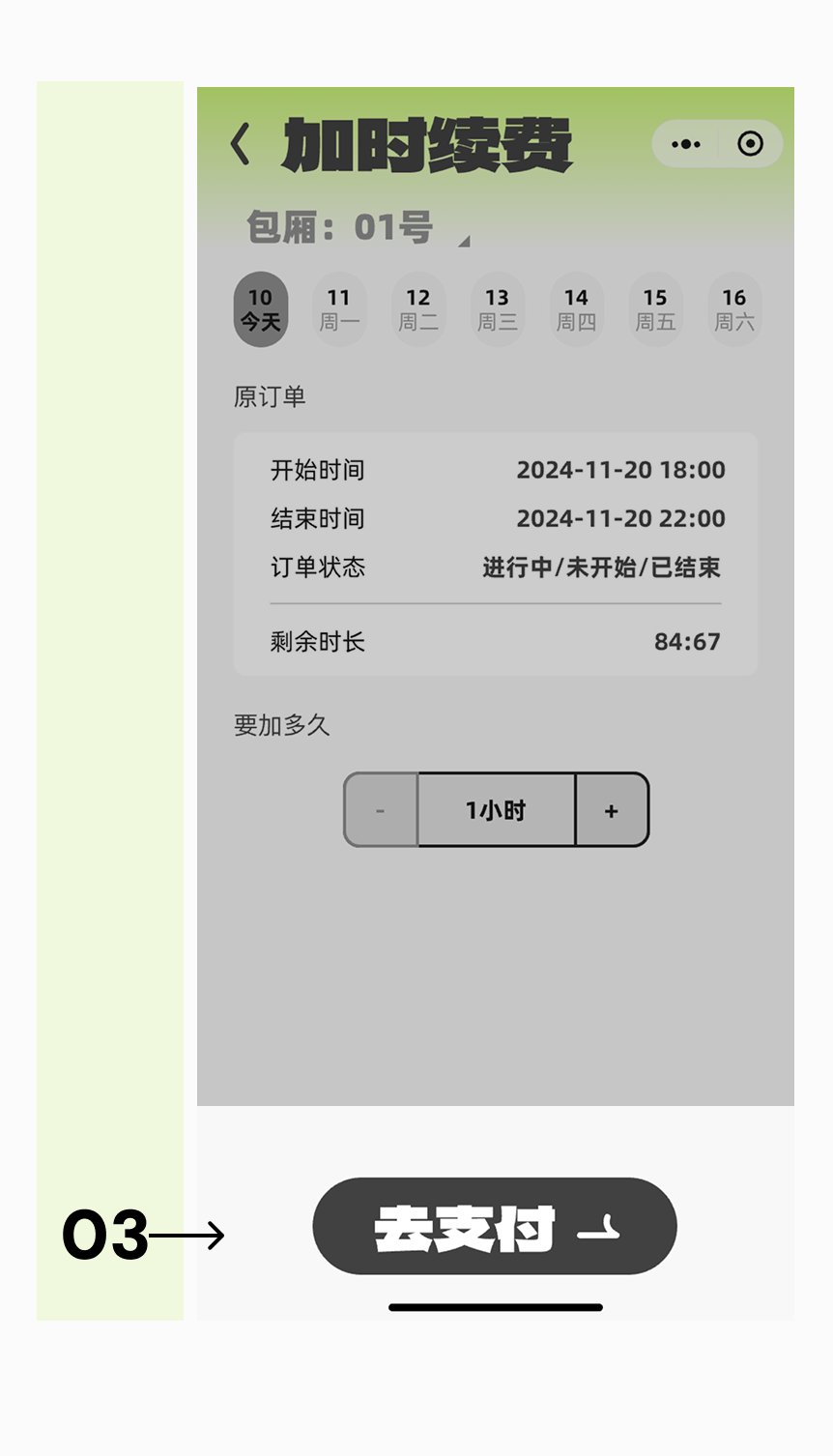
These components carry part of the screens — member tier cards, search result, room cards with status badges.
Tier name (V1 / V2 / V3), metallic color (Bronze / Silver / Gold), growth progress bar, member benefits, and upgrade CTA.
Each tier escalates visually — from a calm bronze to a more dramatic gold — with CTA copy shifting from "Silver" to a gamified "Upgrade to Gold".
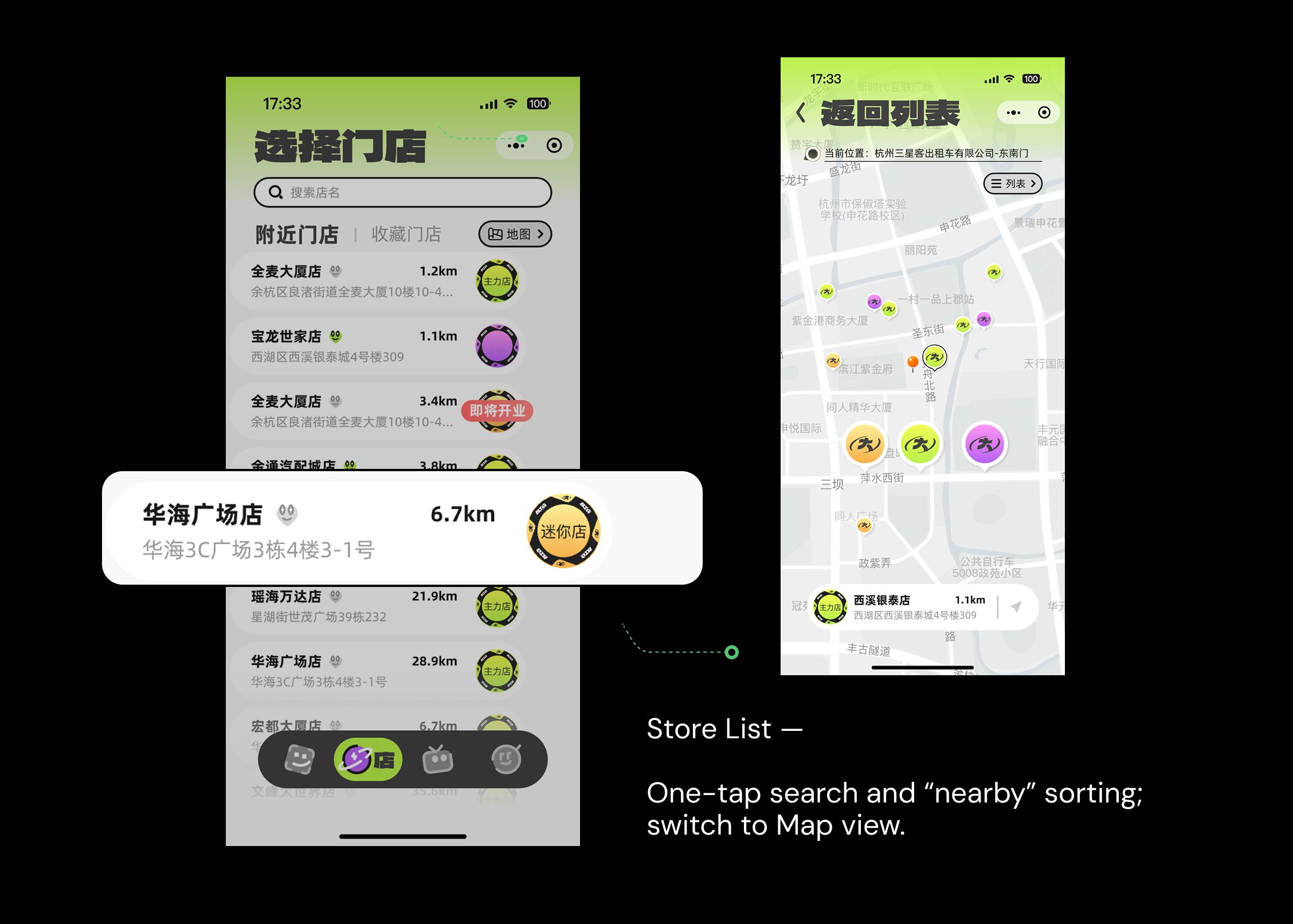
Store name, distance, address, and a store-type badge. Surfaced in location search results to help users quickly compare and pick a nearby store.




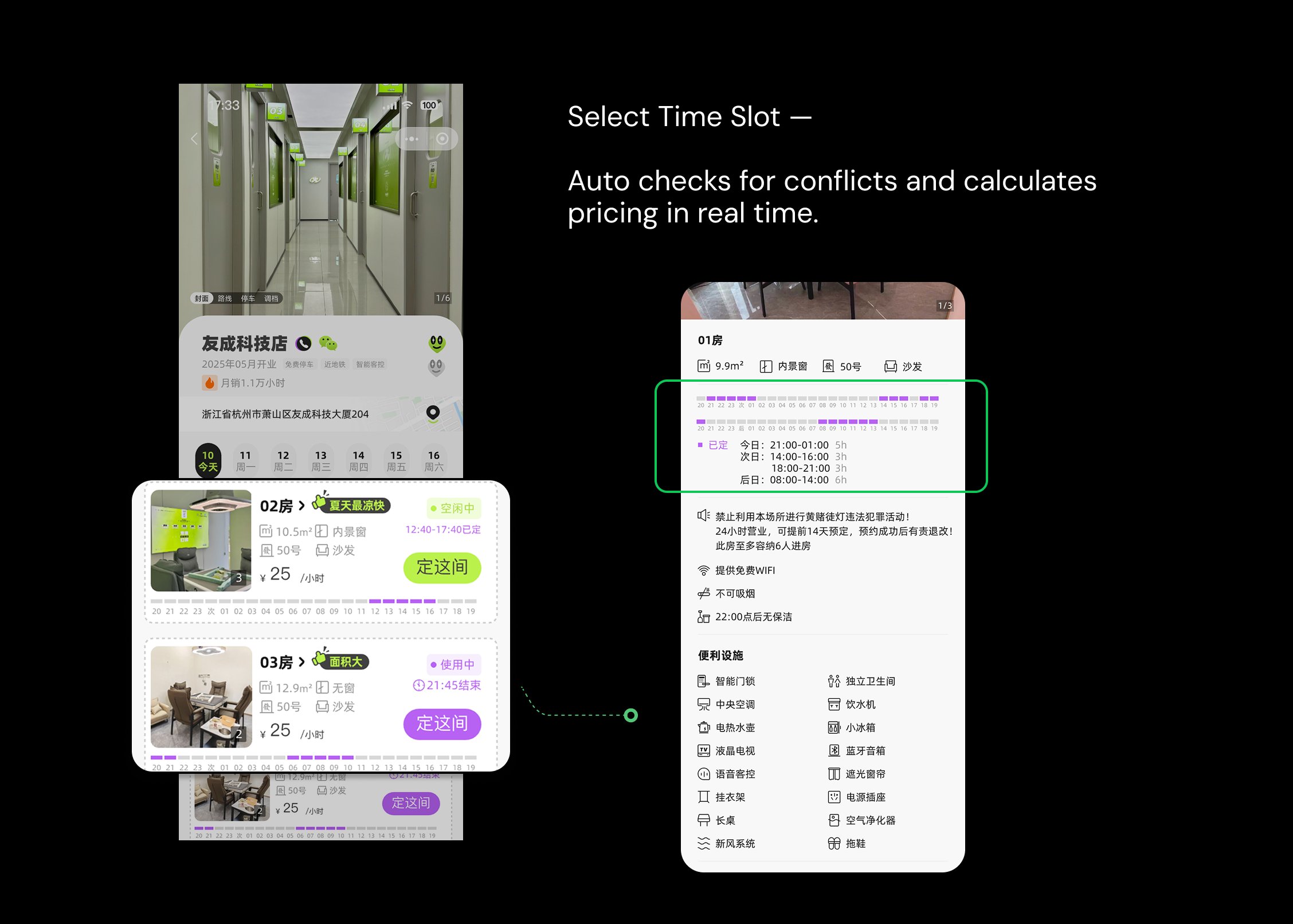
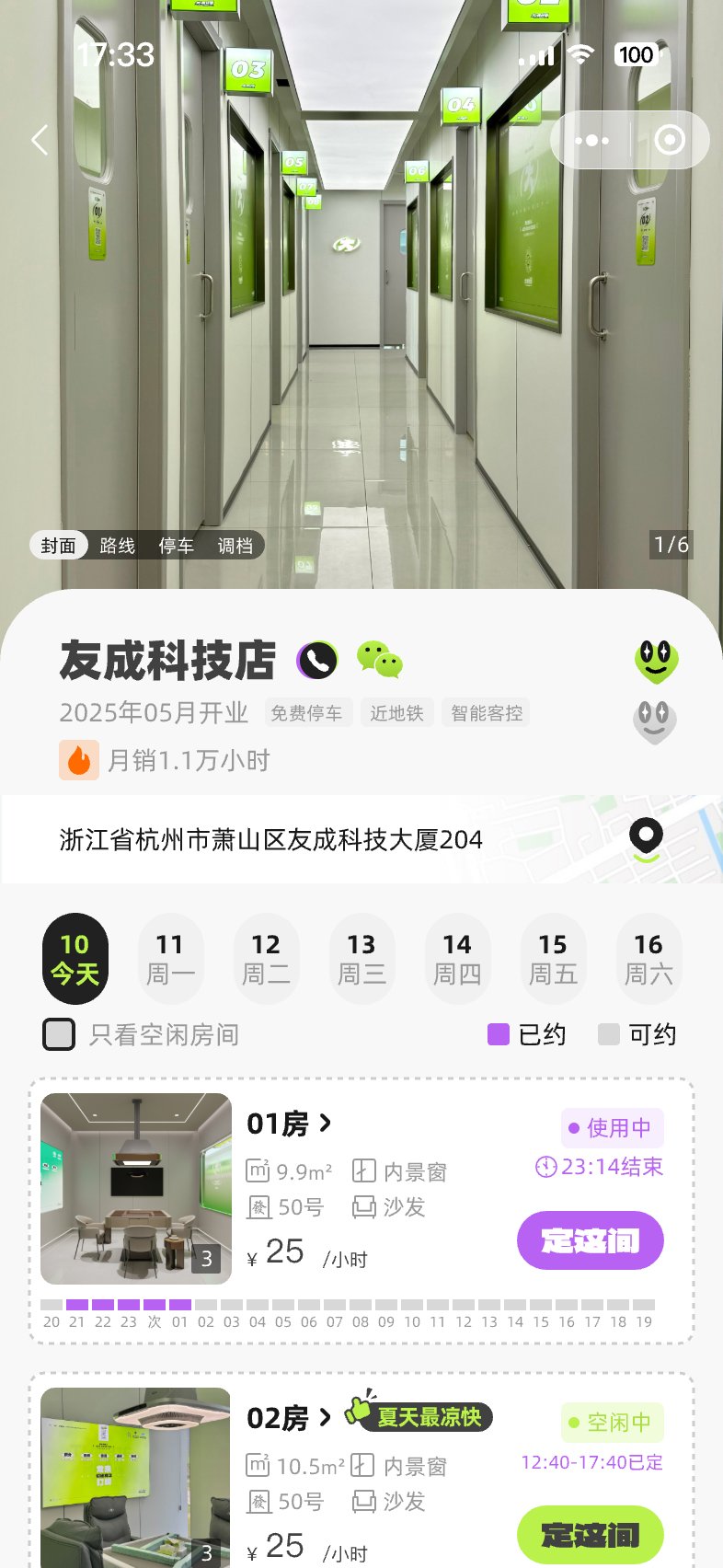
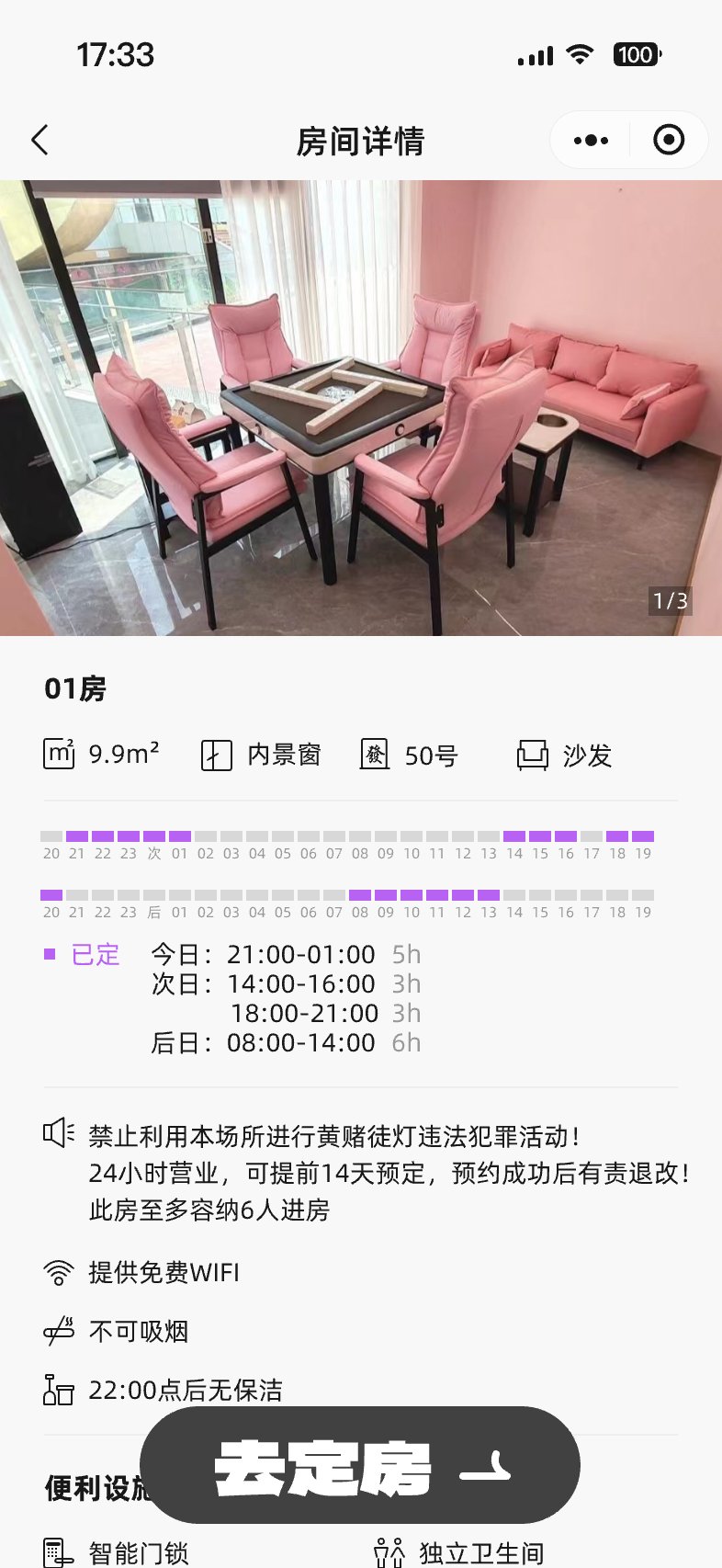
Room photo, room number, size, windows, seats and sofas, price, and a status label. Includes the timeline of current reservations and a "Reserve this room" CTA.
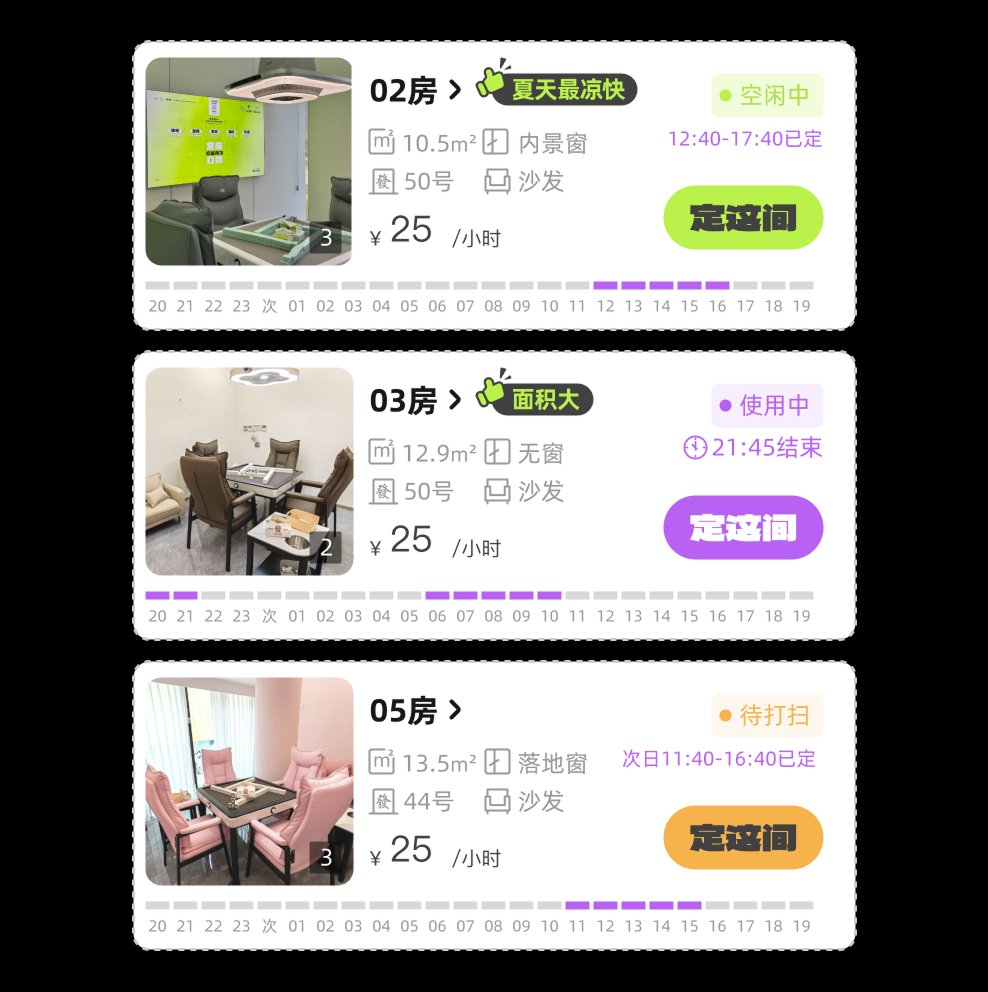
A unified system for room and time-slot states.
Icons and illustrations are designed as sticker-like graphic elements, reinforcing the playful and social gaming atmosphere of the brand: sticker · graffiti · gaming icon.



Four core features cover the full booking journey, from finding a nearby store to tracking personal activity.
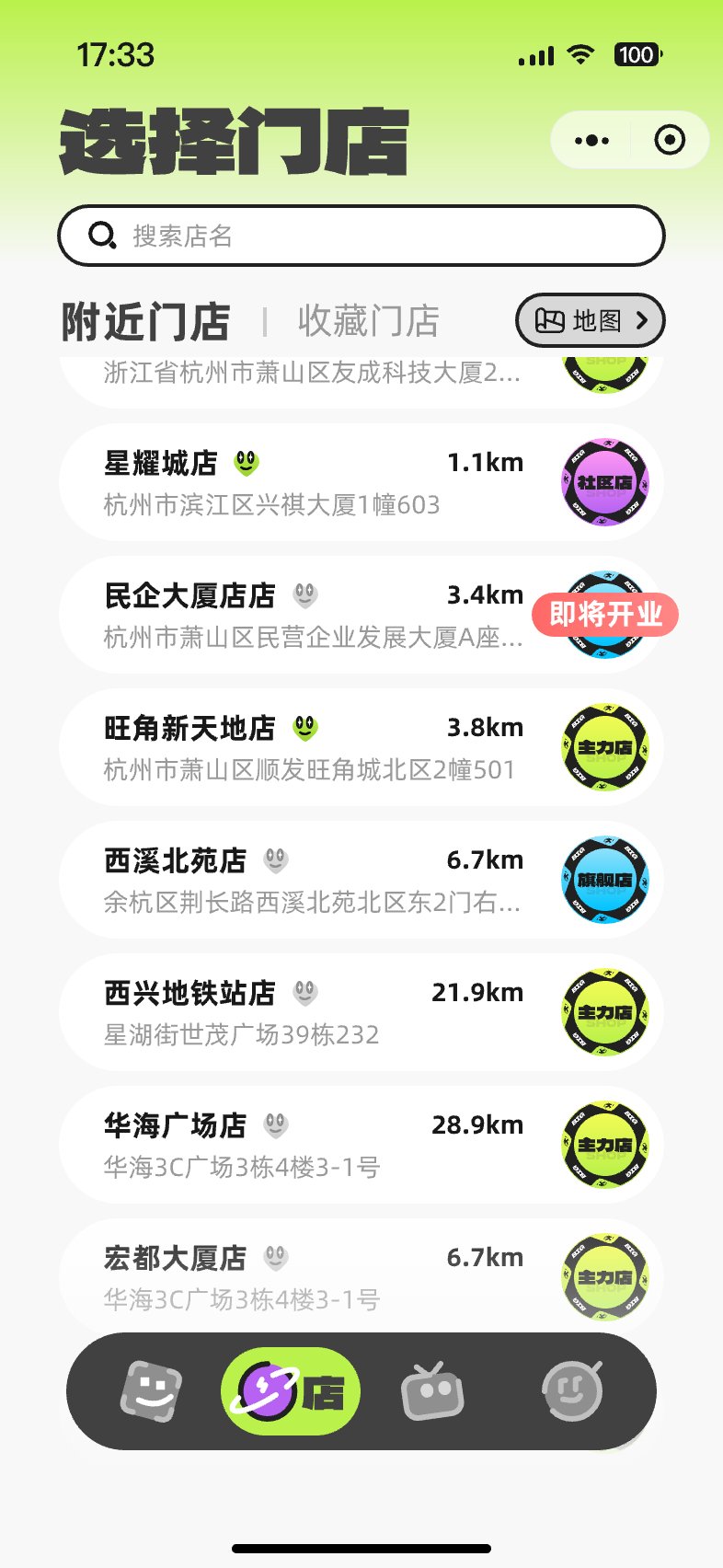
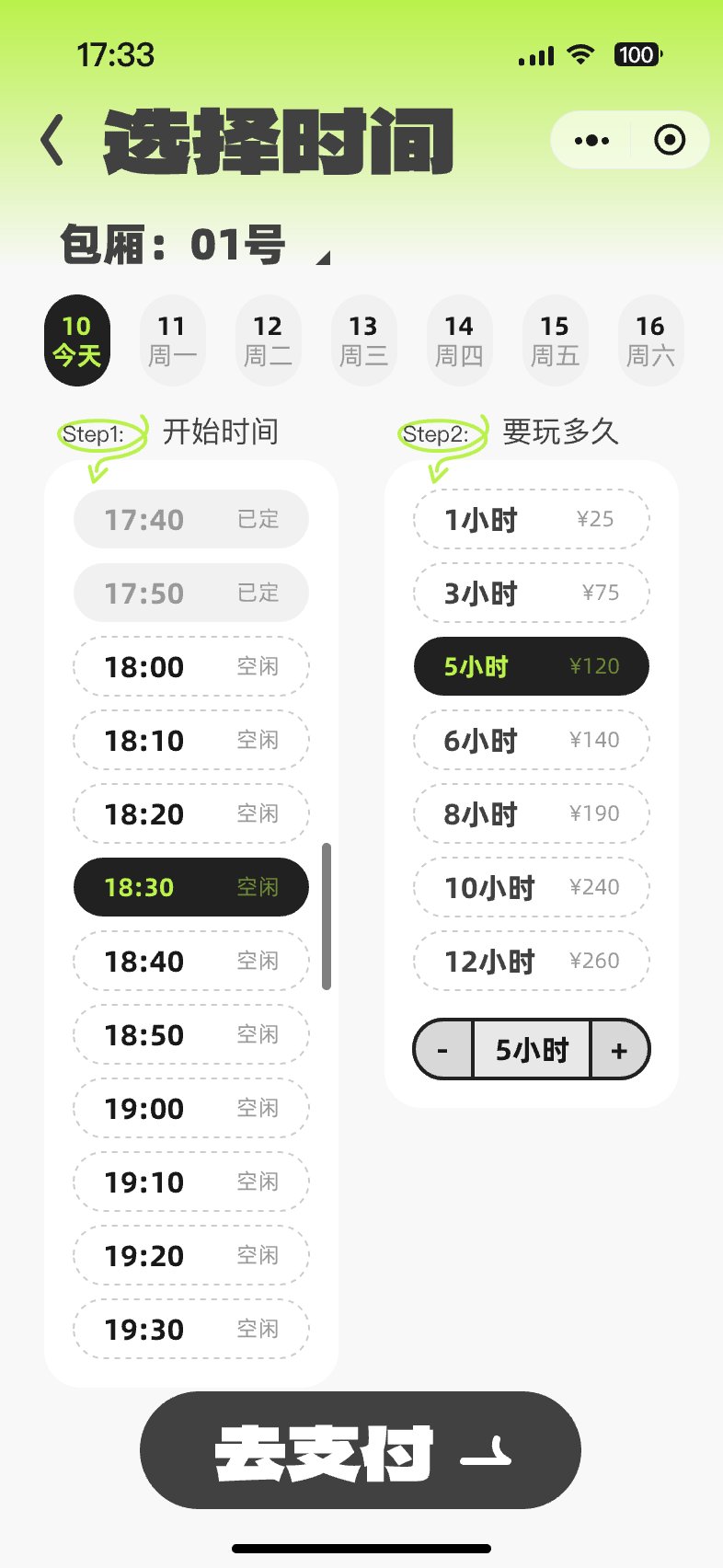
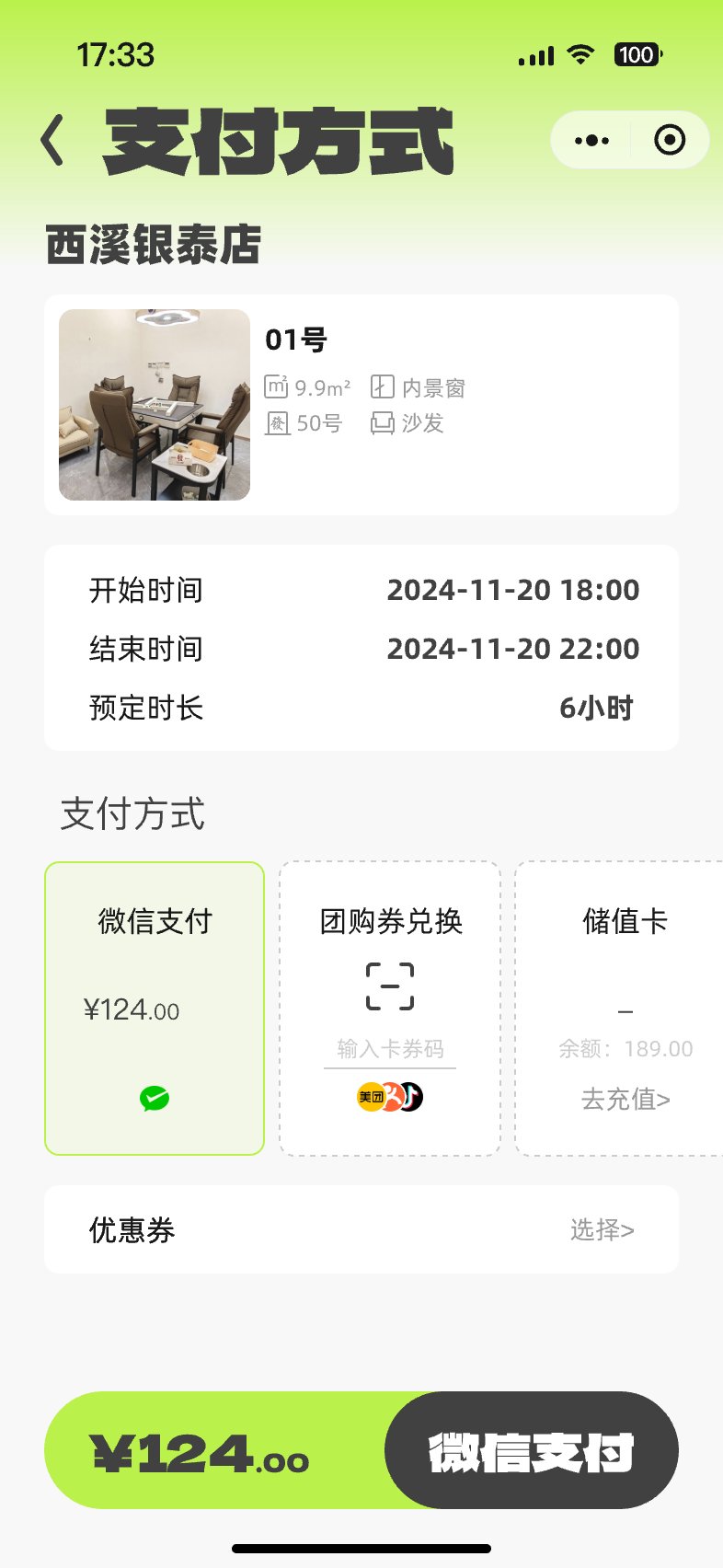
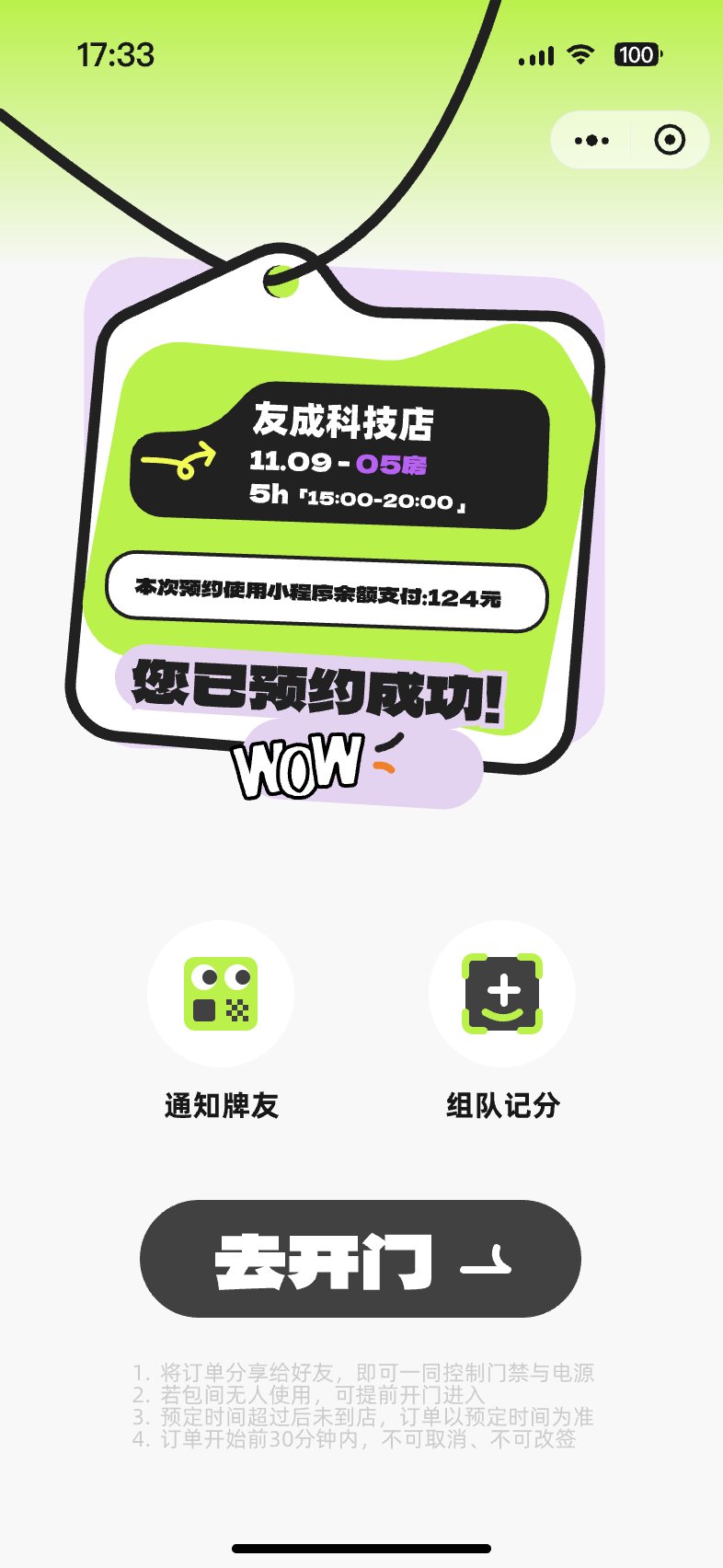
Profile, data statistics, order records, and coupons.
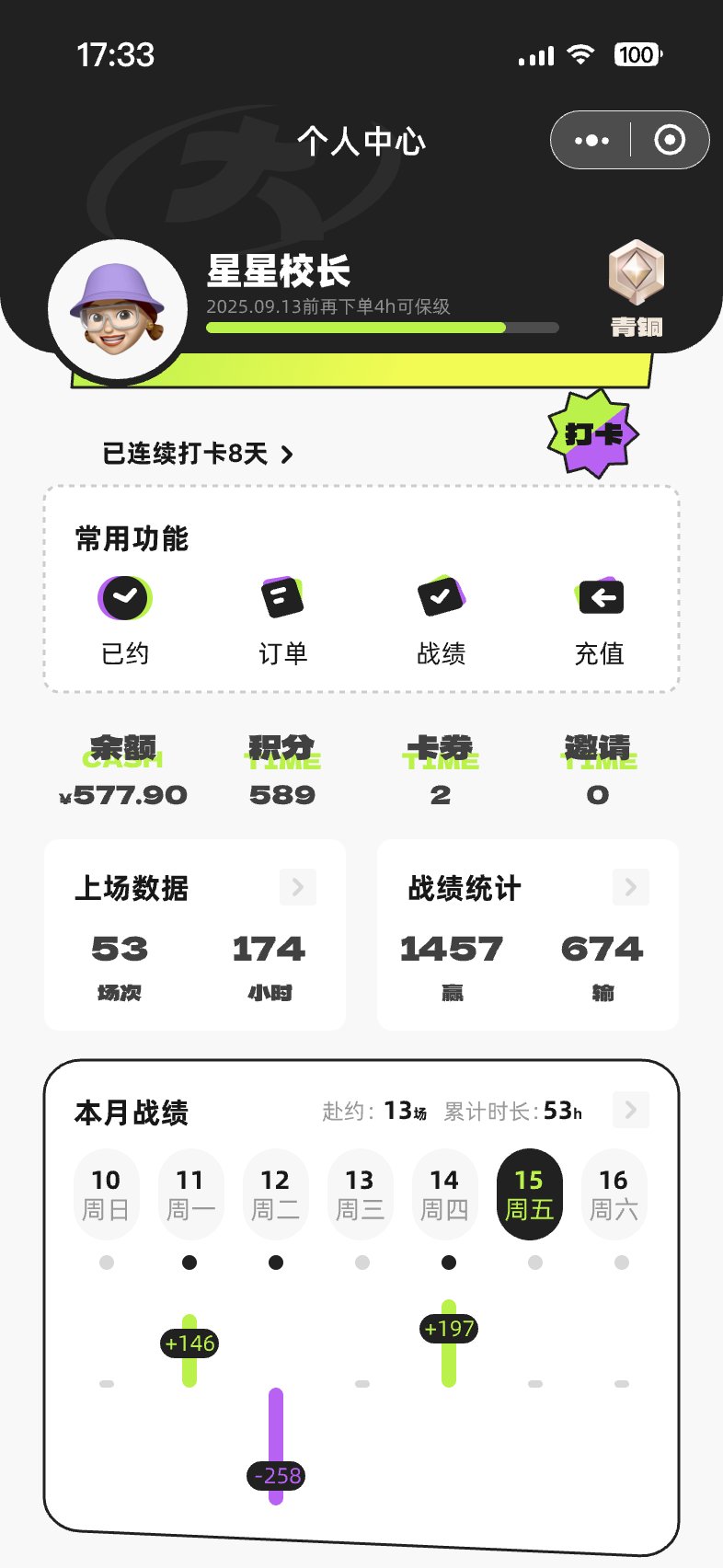 Profile
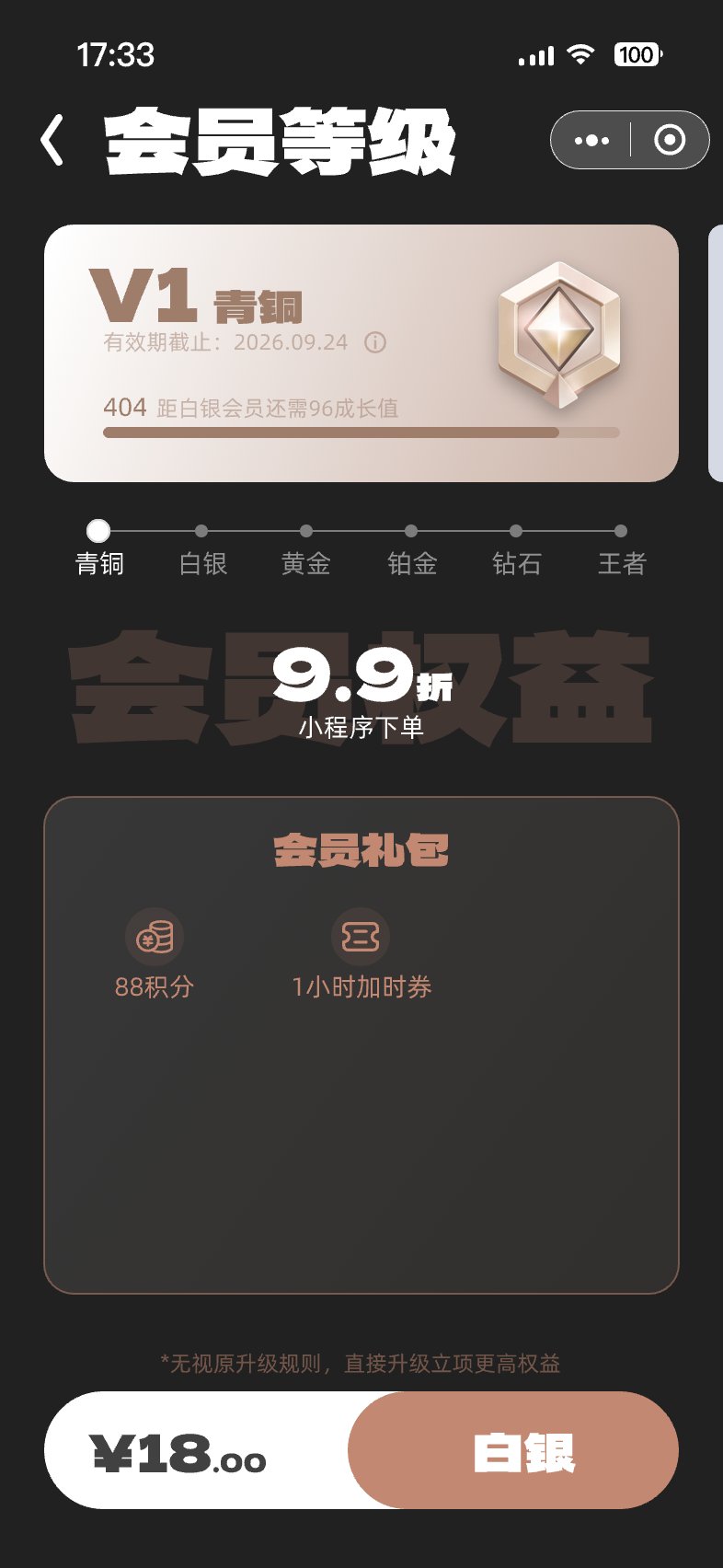 Membership
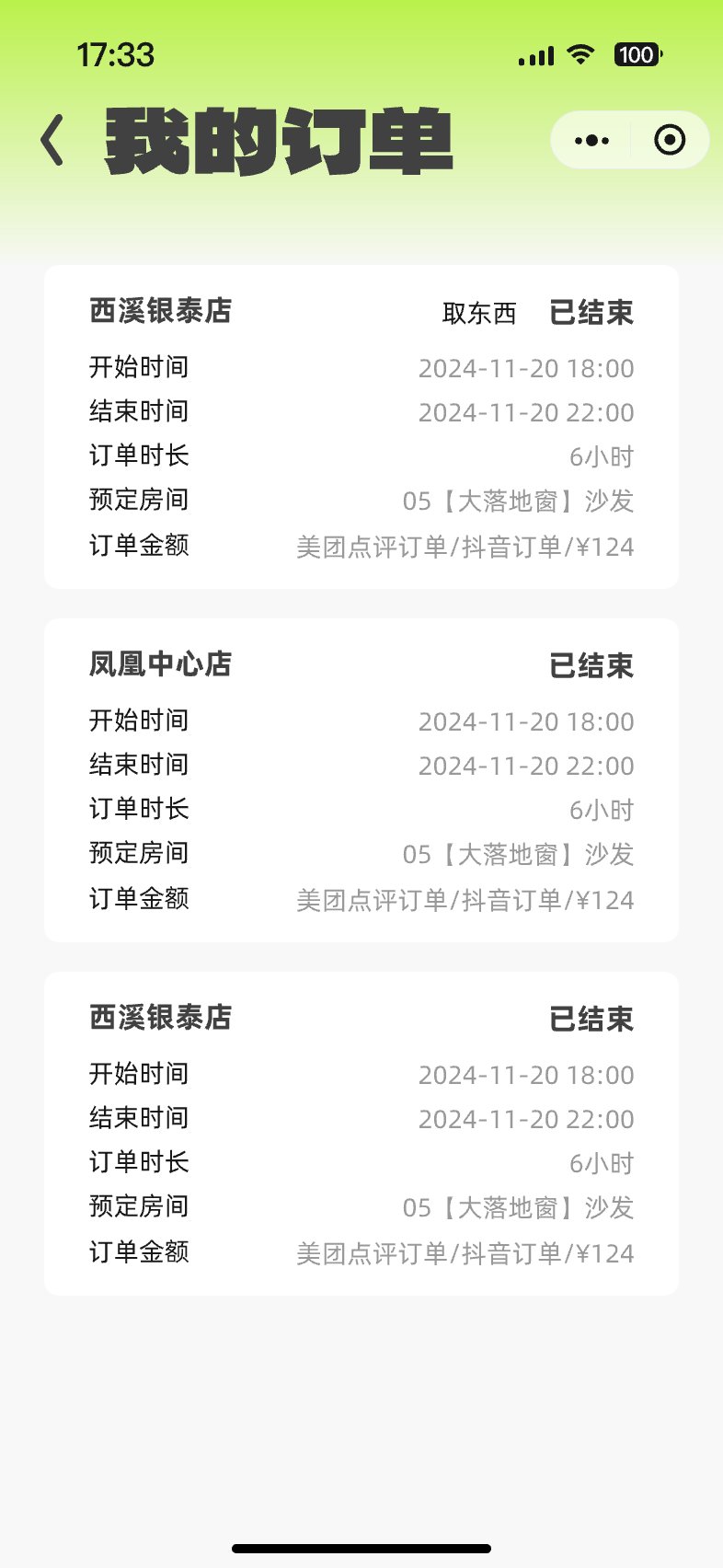 Order records
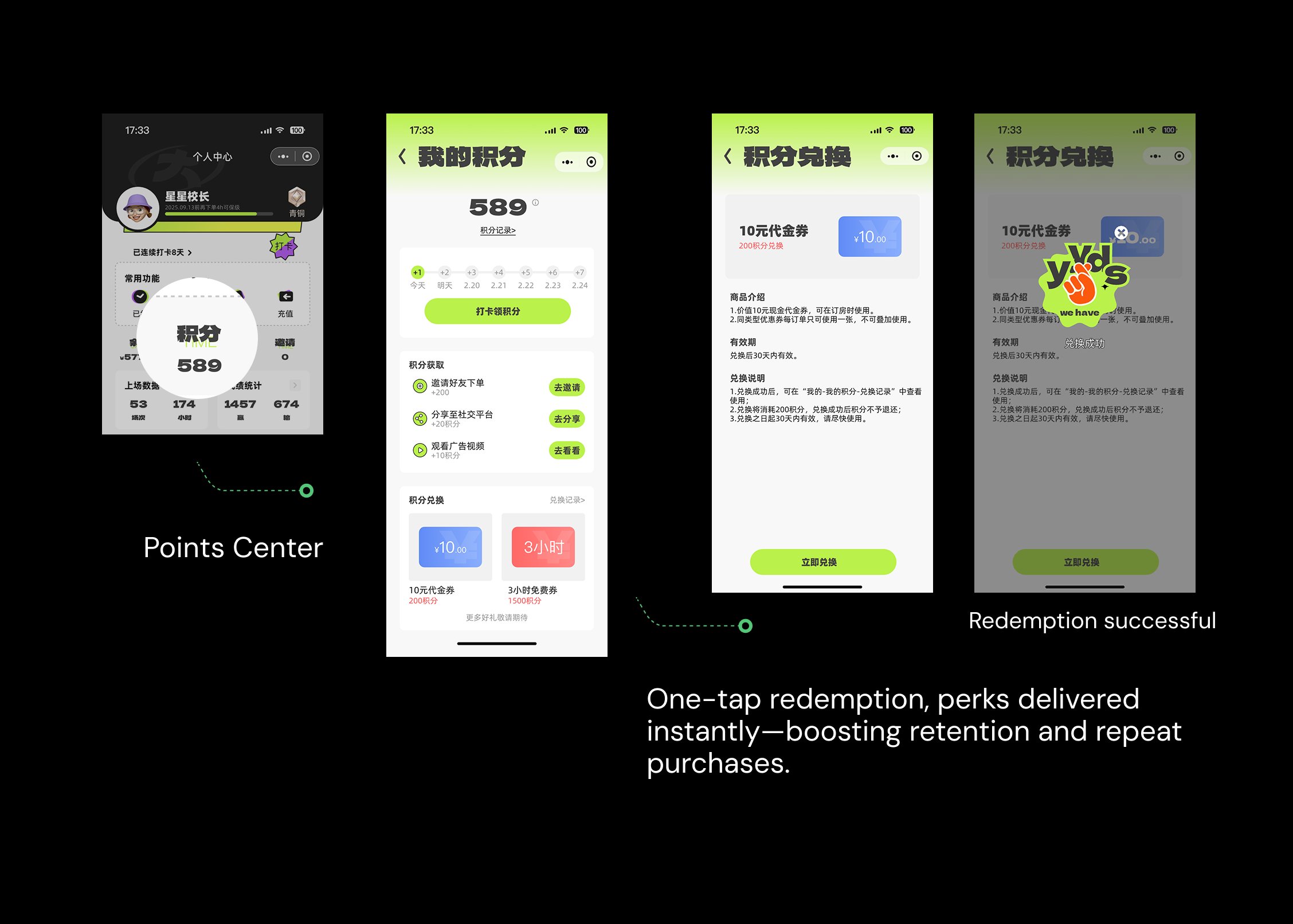
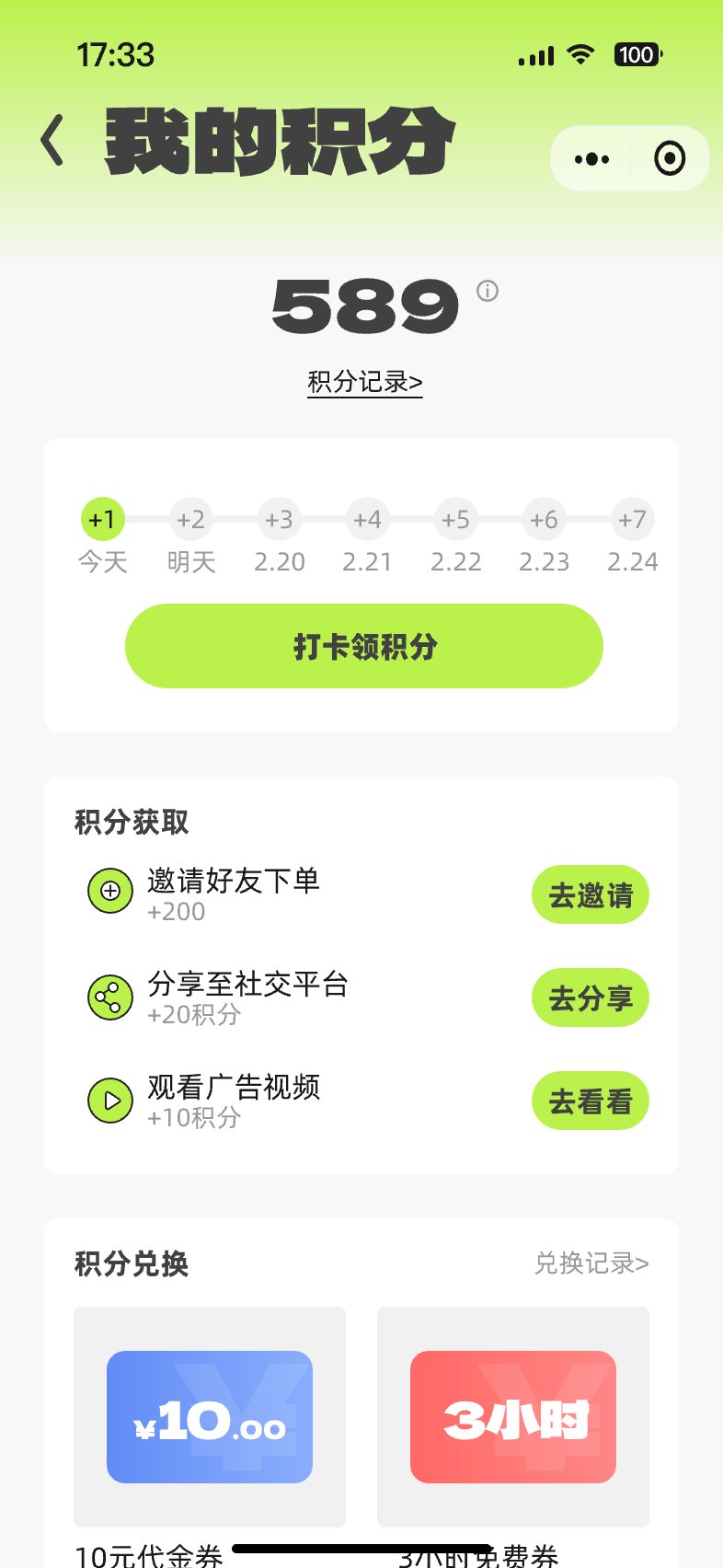 Points
Campaign entries, membership points, referral rewards, and promotional cards.
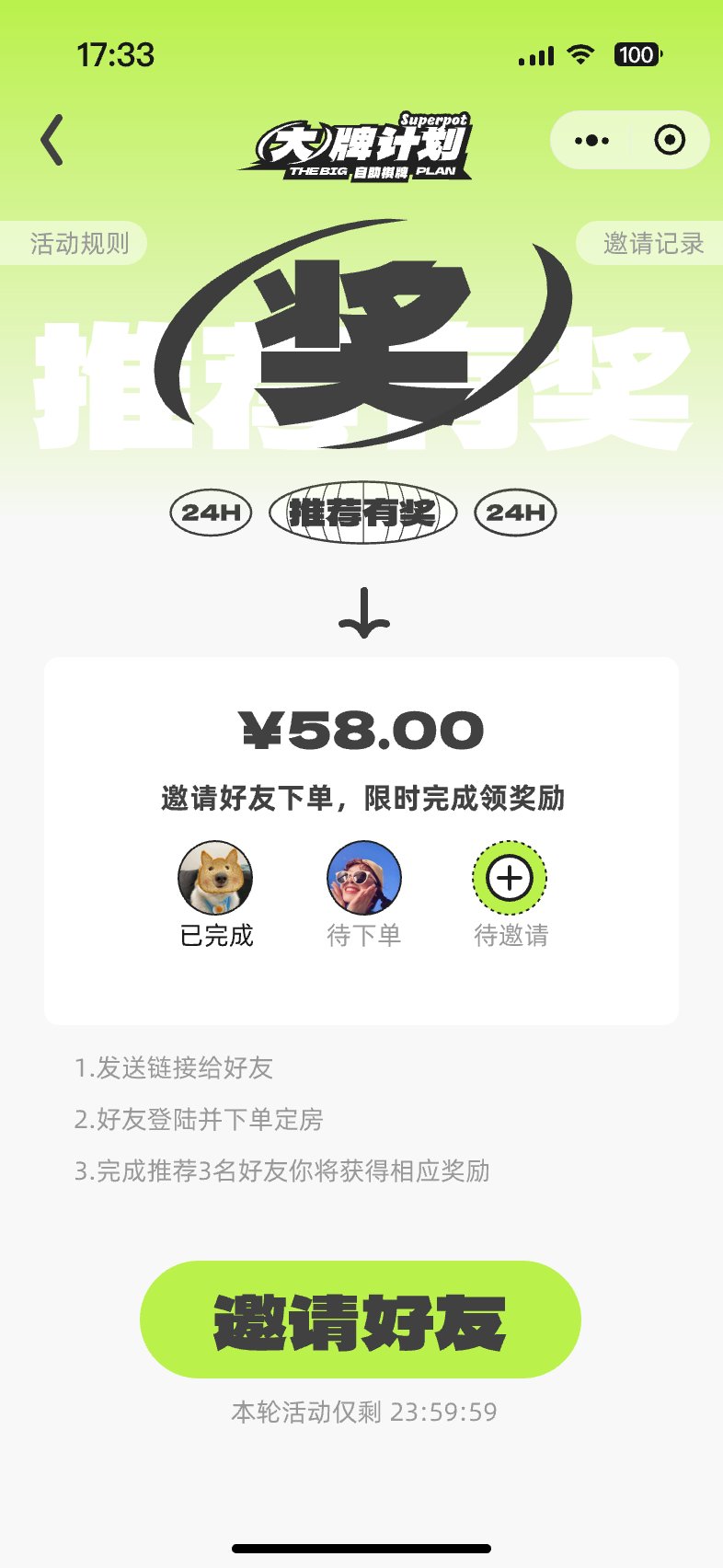 Campaign entry
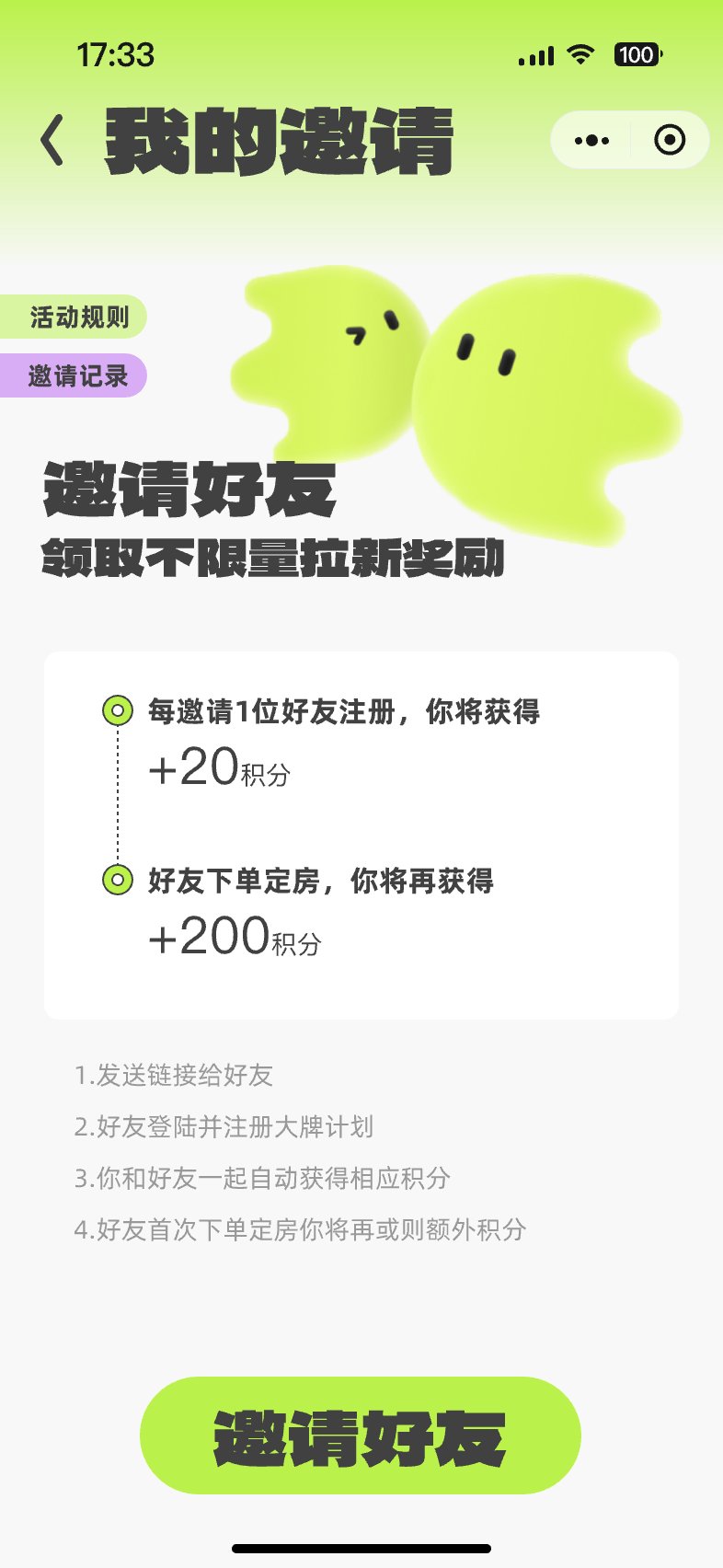 Invite friends
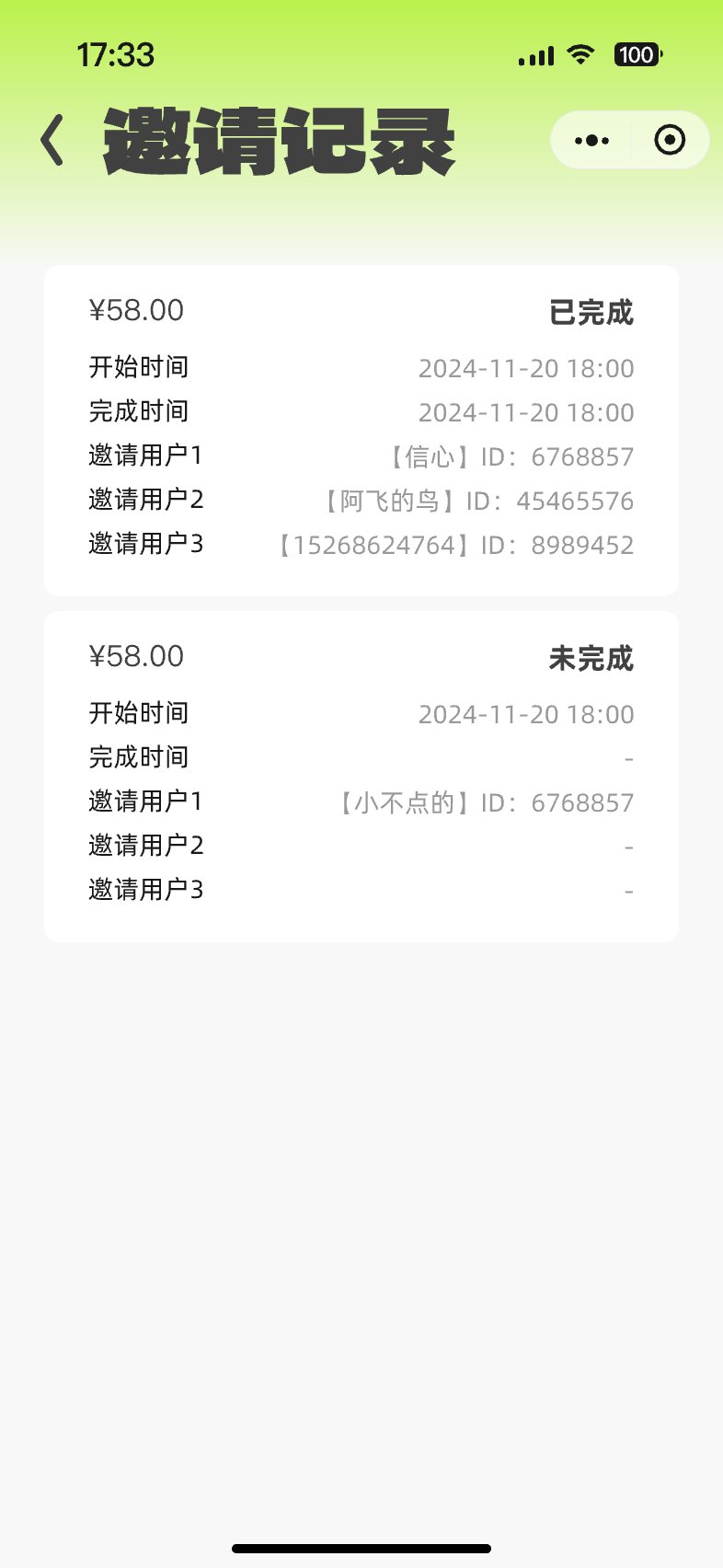 Referral rewards
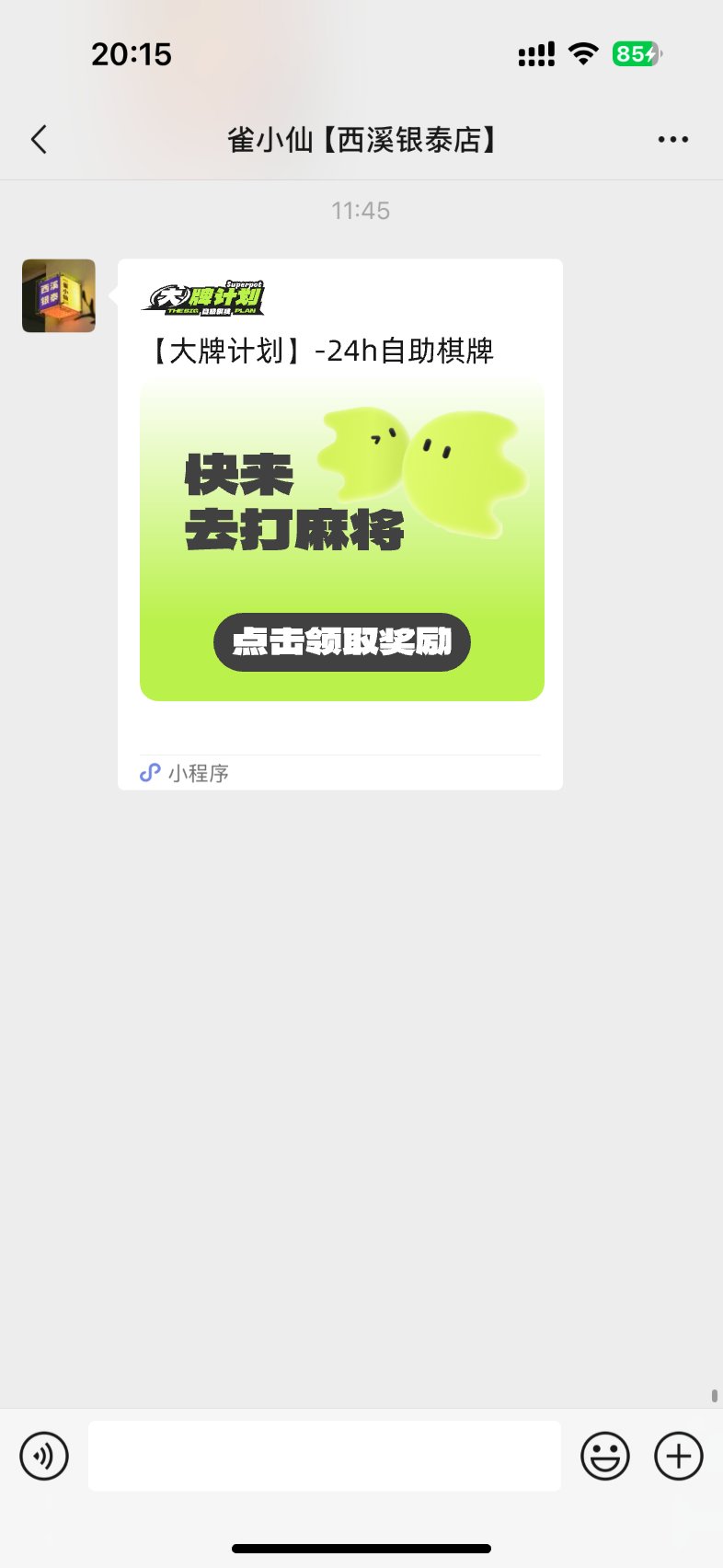 Promotional card
Beyond the product UI, a set of brand-empowerment slides created for the franchise pitch, laying out how the brand supports its partners across service, R&D, team, and marketing, all in one consistent visual language.
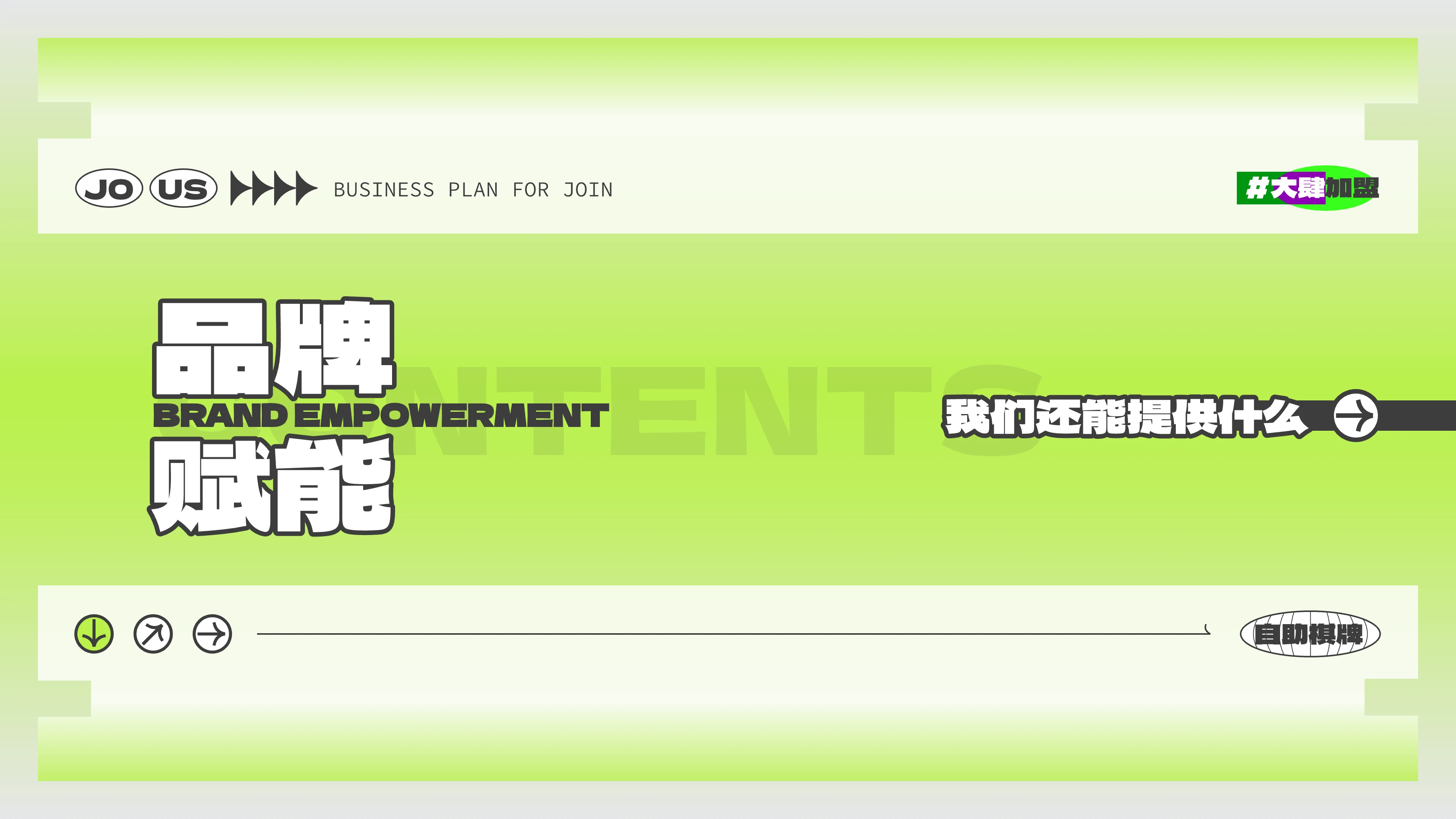 Brand empowerment — cover
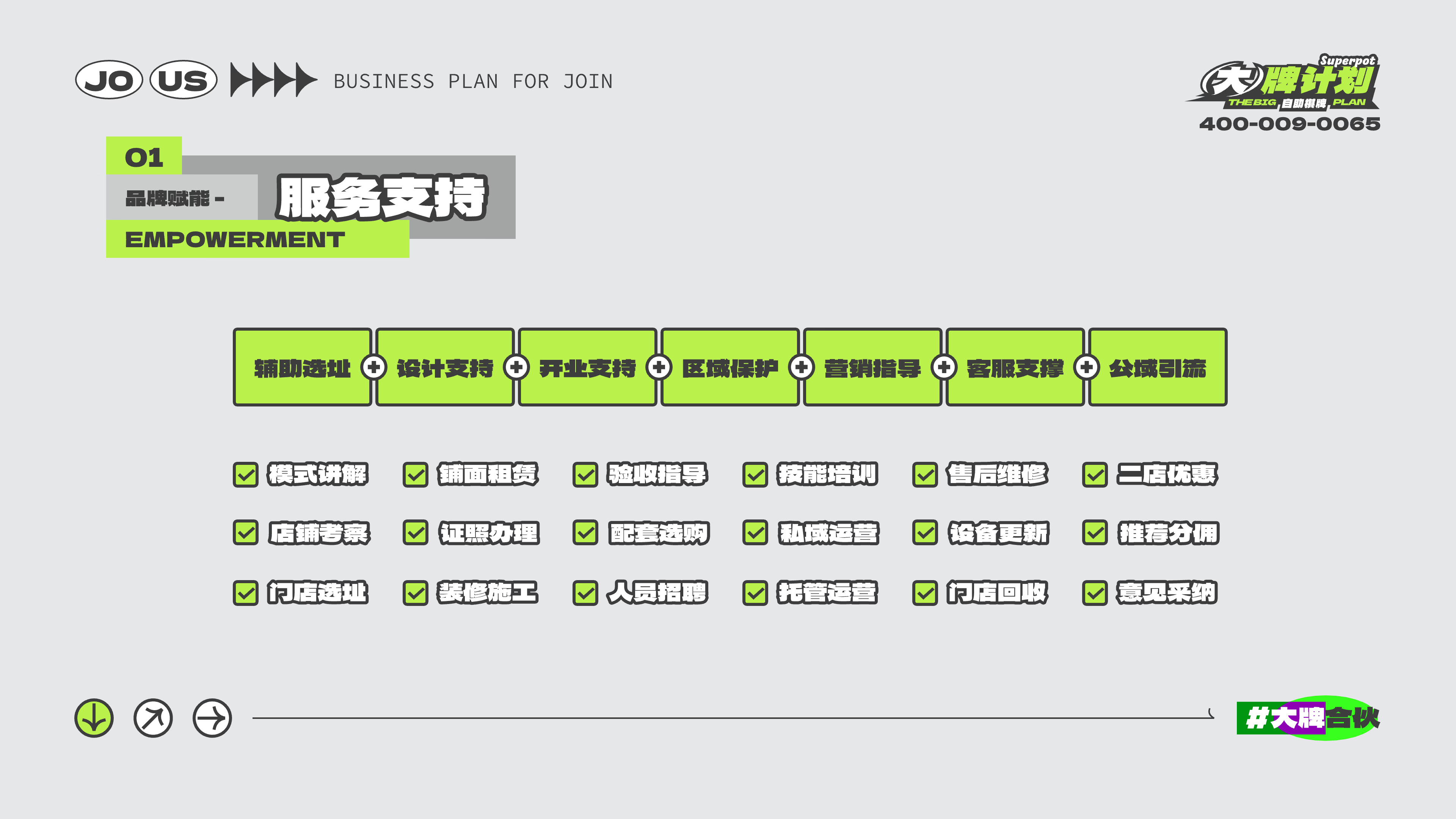 01 — Service support
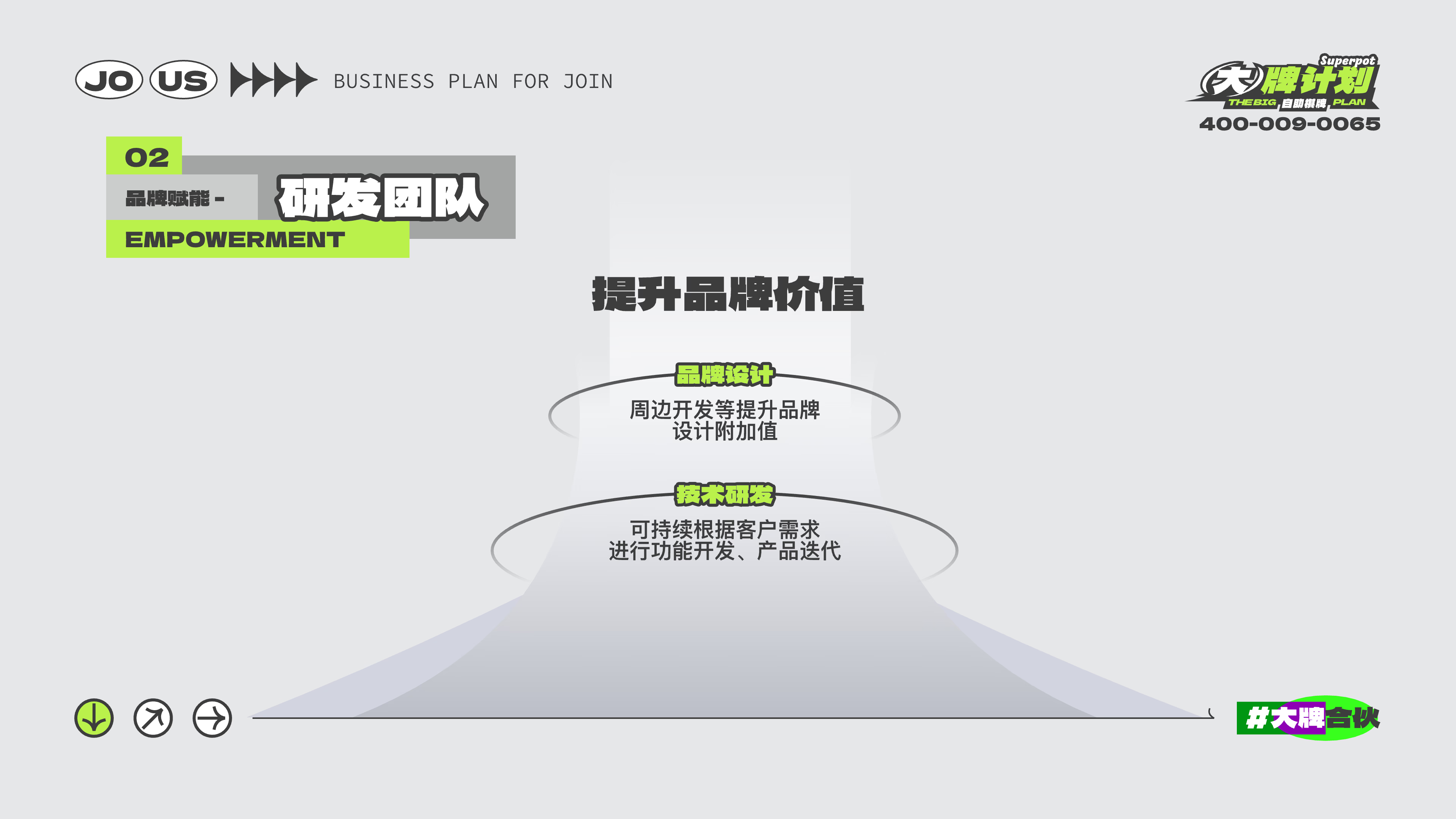 02 — R&D team
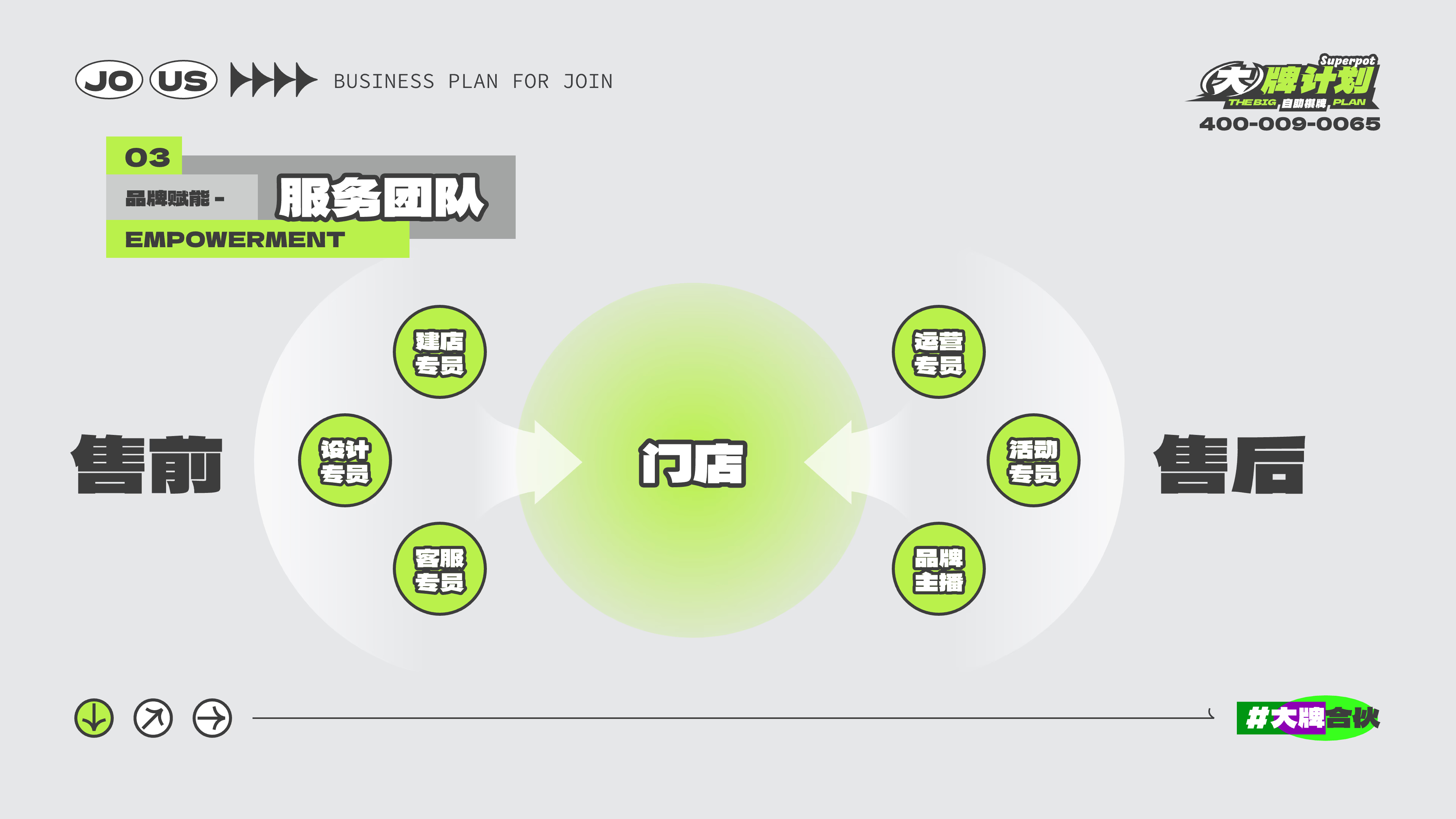 03 — Service team
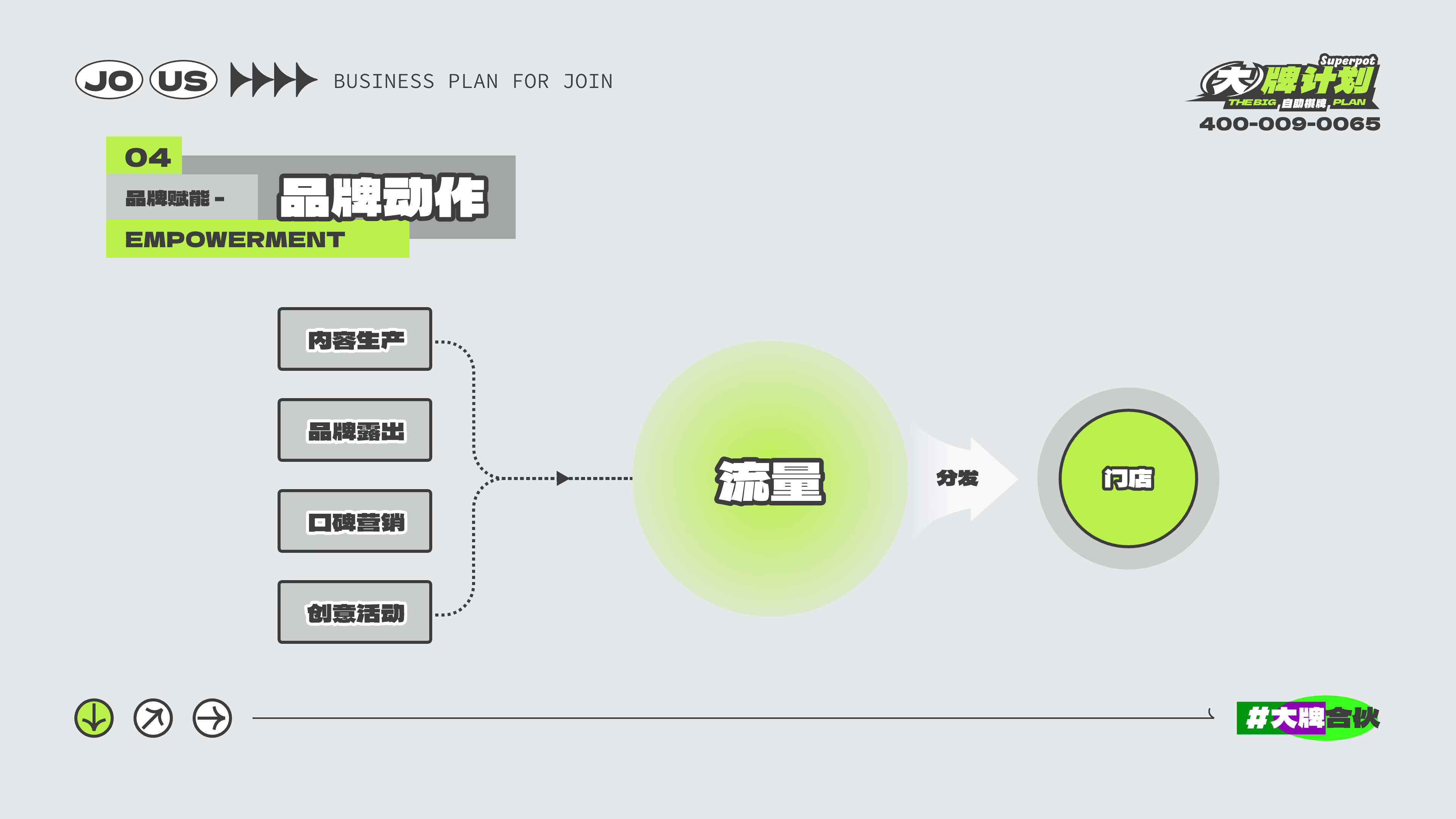 04 — Brand actions
The final UI system creates a clearer and more efficient booking experience for mahjong rooms. By combining store discovery, room selection, payment, personal data, and rewards into one mini program, the design helps users complete reservations faster while giving businesses a more organized way to manage bookings and customer engagement.
Availability, price, and room status visible at a glance.
From browse to paid reservation in a single connected flow.
Rewards and session history keep users coming back.
Booking and activity data inform future store decisions.